OpenAI GPT OSS Locally With Ollama
Install & run GPT OSS locally on your machine with Ollama

I installed Olama locally on my MacBook and then downloaded the a version of the new open-source model from OpenAI, gpt-oss.
In the article below I walk through the installation and general experience…
Ollama has teamed up with OpenAI to integrate cutting-edge open-weight models directly into the Ollama platform.
These include two powerful options — a 20B (no one I played with) and a 120B model — that deliver an enhanced local chatting interface, optimised for advanced reasoning, agent-like functionalities, and a wide range of development applications.
gpt-oss-20bmodel is designed for lower latency, local, or specialised use-cases.
gpt-oss-120bmodel is designed for production, general purpose, high reasoning use-cases.
Key Features
Agentic Functionality
Leverage the models’ built-in tools for
function calling,
web searching (with Ollama’s optional integrated search to pull in real-time data),
Python code execution, and
Generating structured responses.
Complete chain-of-thought visibility
Access the full reasoning pathway of the model, which simplifies debugging and builds greater confidence in the results.
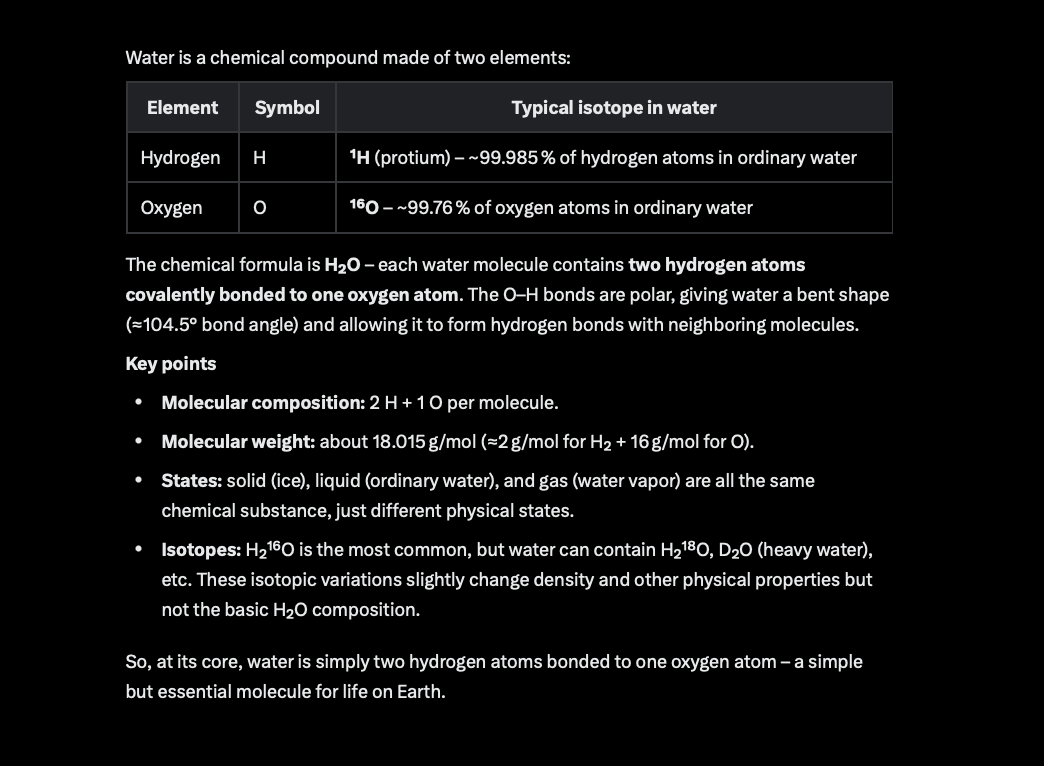
Input to Model: What is water made of?
Model Output:
Adjustable reasoning levels
Customise the depth of reasoning (low, medium, or high) to match your requirements for speed and detail.
Apache 2.0 licensing
Unrestricted building, with no copyleft limitations or patent concerns, making it perfect for testing, personalisation, and business applications.
Ollama on macOS
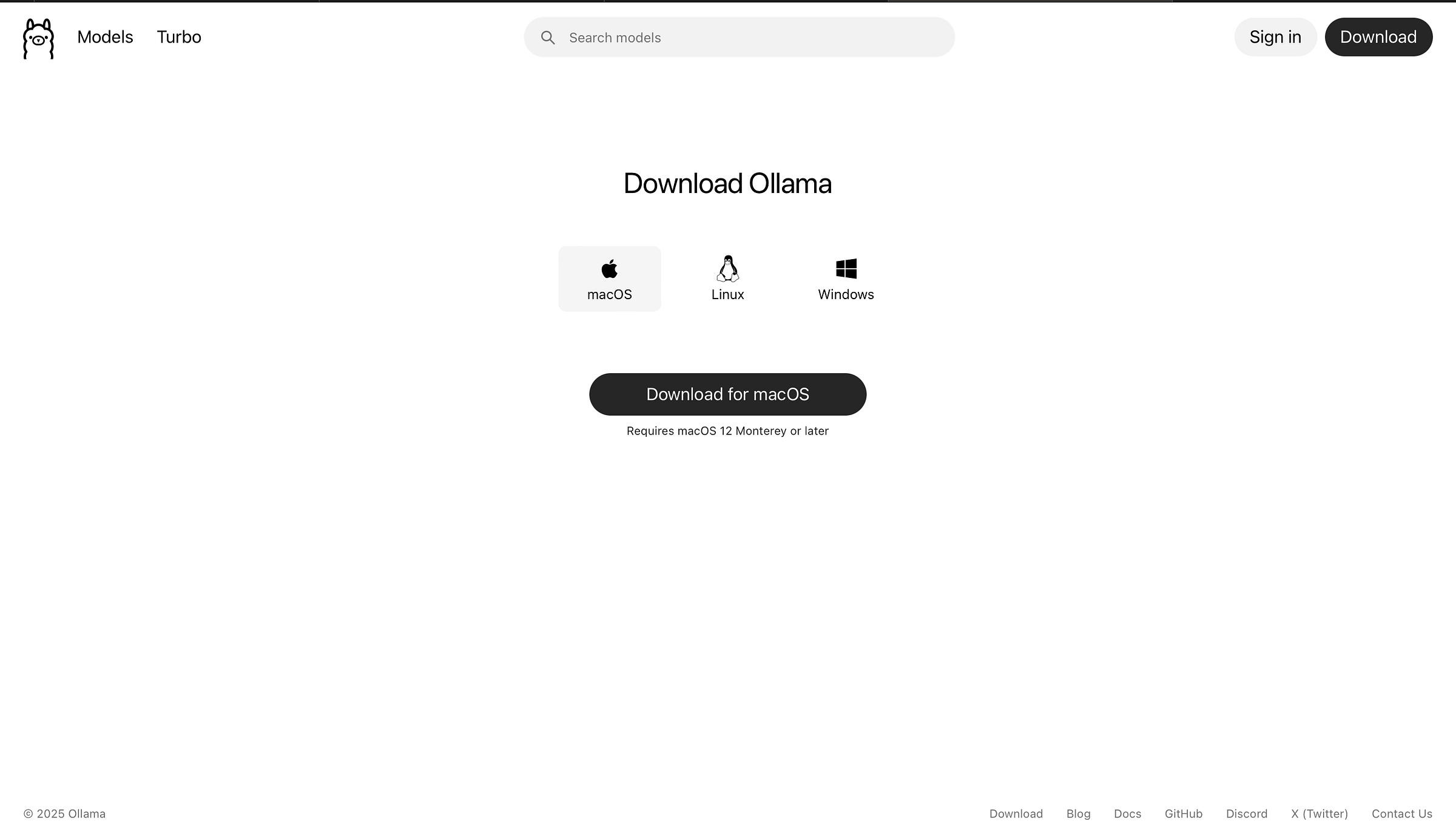
The download options for Ollama is shown on their homepage…download the macOS version.
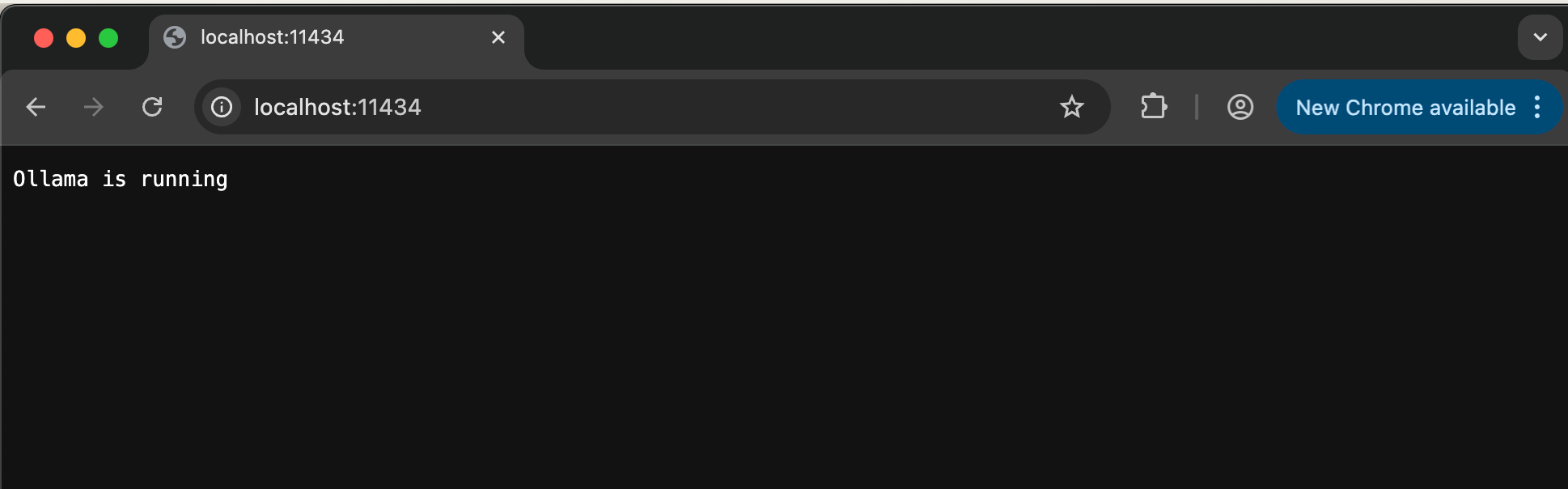
After installation you can go to your browser to check that Ollama installed correctly and is up and running…
Also after installation the simplistic Ollama UI pops up…if you select the models dropdown, a list of models appears. The gpt-oss models 20b and 12b are top of the list.
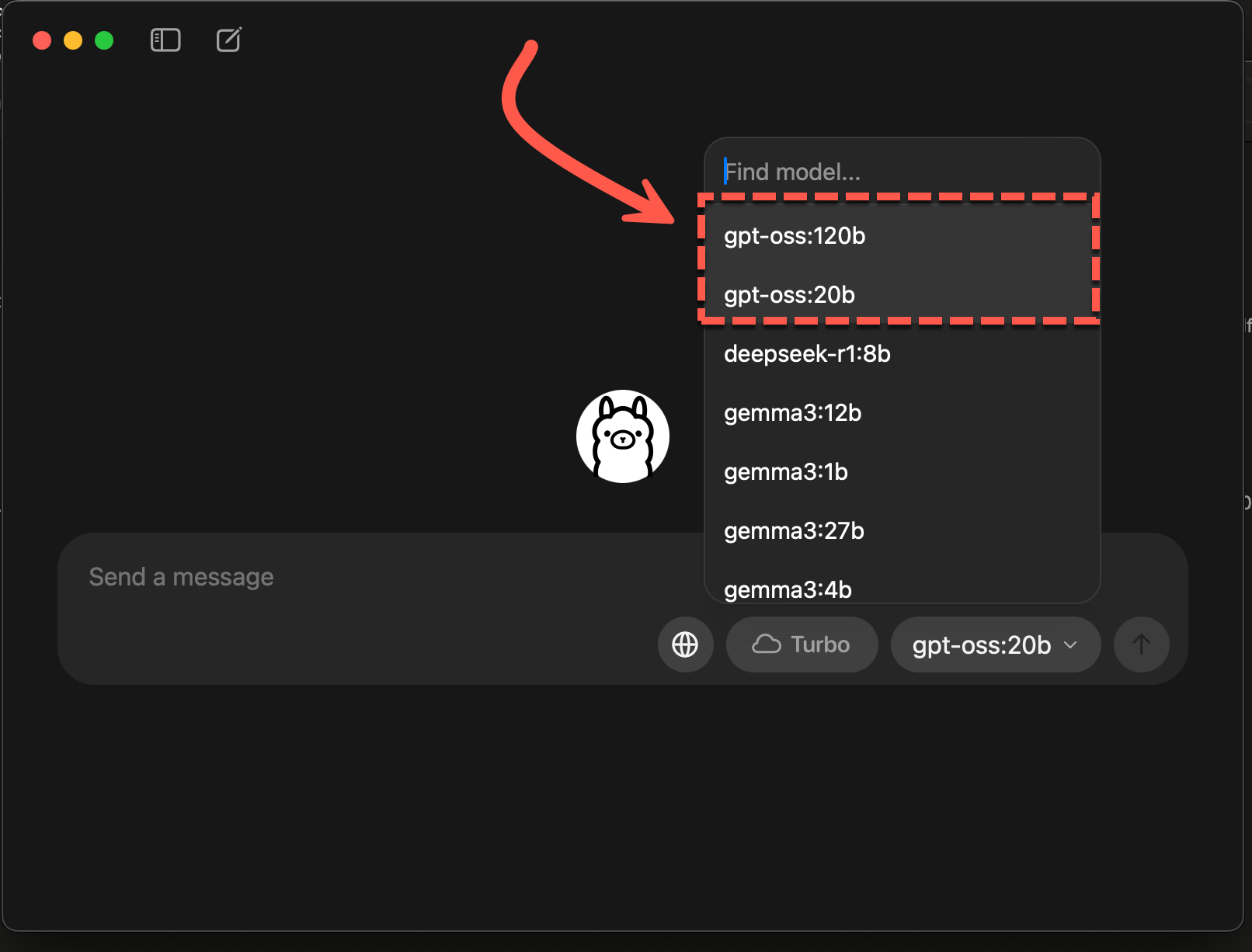
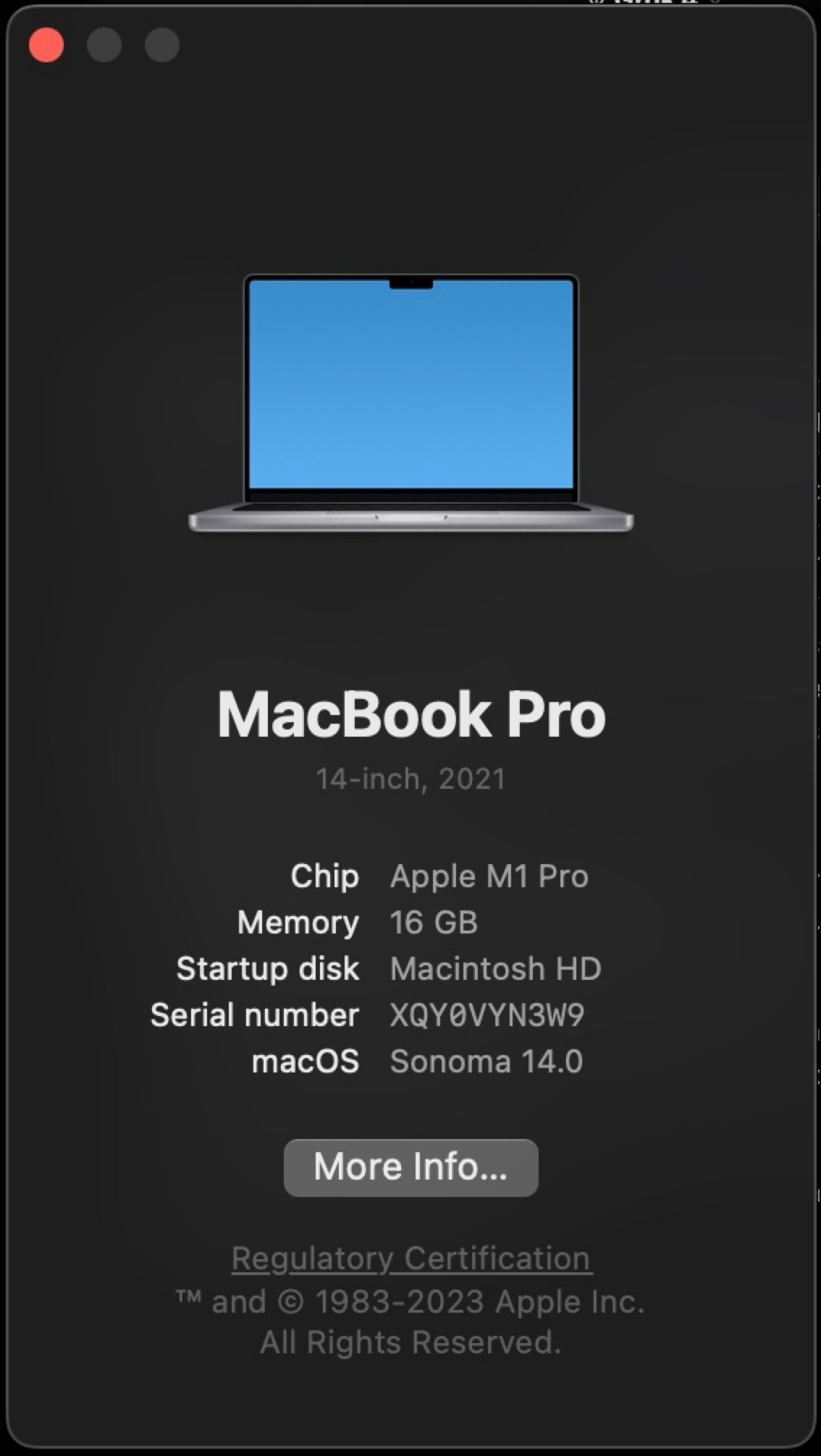
I opted for the 20b size model…and I need to say…it was excruciating slow. I did run it on the spec below…
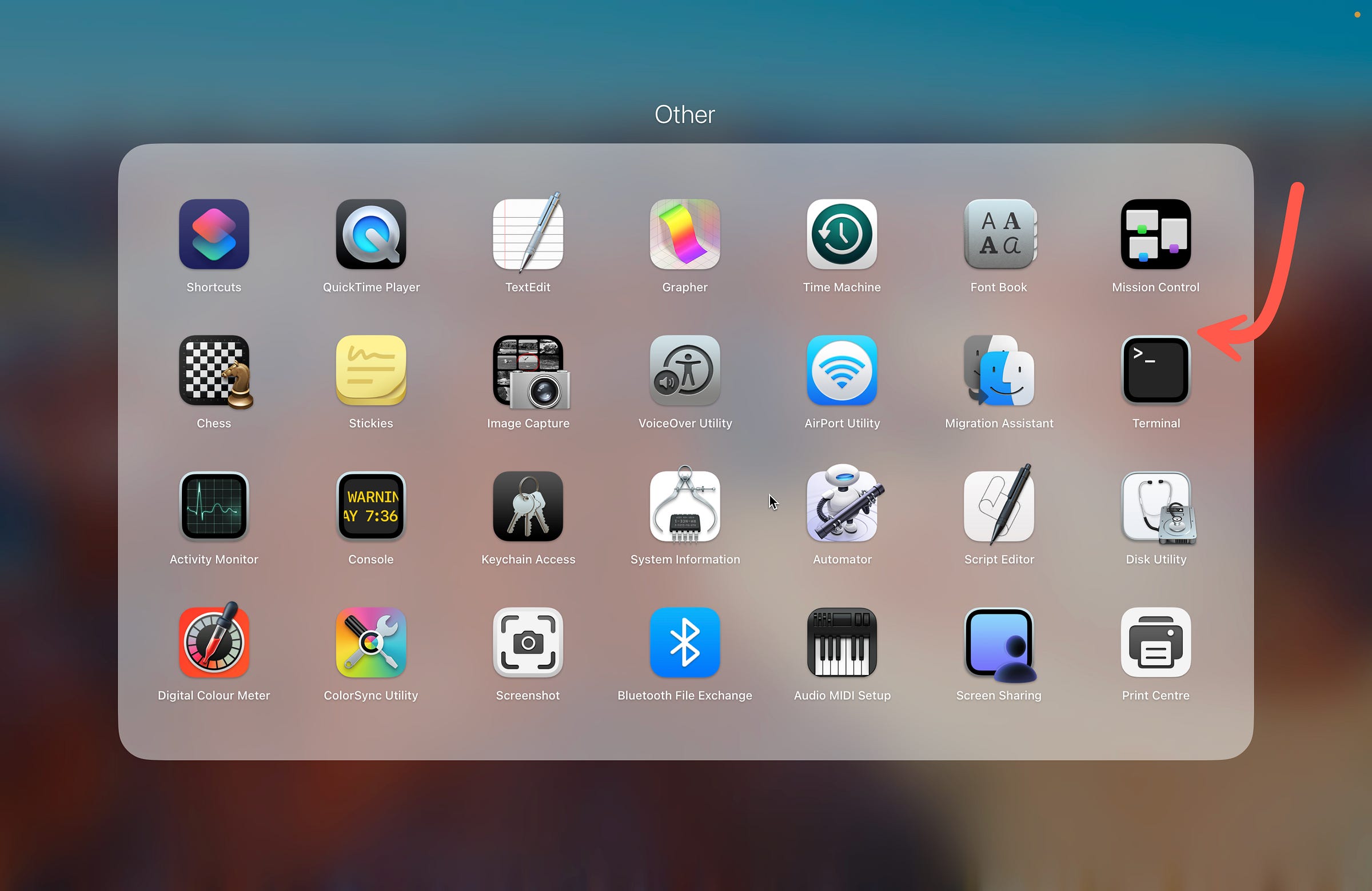
The best is to use and manage Ollama from the Terminal window via command prompt…
If you run the show info command for the prompt:
>>> /show info
  Model
    architecture        gptoss
    parameters          20.9B
    context length      131072
    embedding length    2880
    quantization        MXFP4

  Capabilities
    completion
    tools
    thinking

  Parameters
    temperature    1

  License
    Apache License
    Version 2.0, January 2004
    ...
The Python code below can be saved and run from the command line…
from ollama import chat
from ollama import ChatResponse

response: ChatResponse = chat(model='gpt-oss:20b', messages=[
  {
    'role': 'user',
    'content': 'Why is the sky blue?',
  },
])
print(response['message']['content'])
# or access fields directly from the response object
print(response.message.content)
I opted to to run the curl command below…
curl http://localhost:11434/api/generate -d '{ "model": "gpt-oss:20b", "prompt": "What is water made of?" }'Chief Evangelist @ Kore.ai | I’m passionate about exploring the intersection of AI and language. Language Models, AI Agents, Agentic Apps, Dev Frameworks & Data-Driven Tools shaping tomorrow.
References and Sources:
How to run gpt-oss locally with Ollama | OpenAI Cookbook
Want to get OpenAI gpt-oss running on your own hardware? This guide will walk you through how to use Ollama to set up…cookbook.openai.com
COBUS GREYLING
Where AI Meets Language | Language Models, AI Agents, Agentic Applications, Development Frameworks & Data-Centric…www.cobusgreyling.com
gpt-oss
OpenAI's open-weight models designed for powerful reasoning, agentic tasks, and versatile developer use cases.ollama.com
https://openai.com/index/gpt-oss-model-card/
OpenAI gpt-oss · Ollama Blog
Ollama partners with OpenAI to bring gpt-oss to Ollama and its community.ollama.com